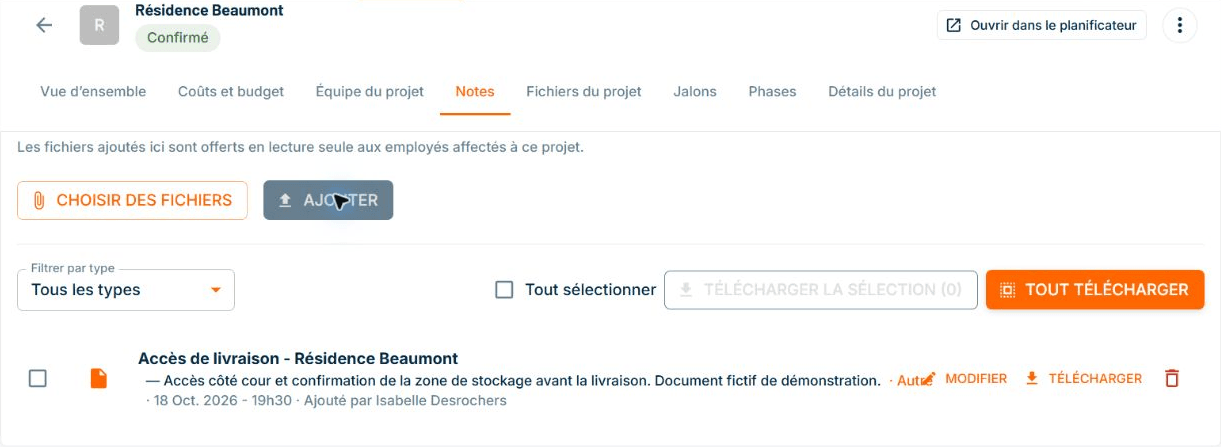
Site documents: access on your cellphone
ConstruMD
Nov 5, 2026
All Posts
SHARE THIS POST
Published : November 5, 2026
Your teams are scheduled on their sites, but your own visits are still arranged over the phone. Several people ask you to come by, and you need to find a time that suits both your week and the work on site.
Coordinating the presence of the manager with that of the teams allows you to schedule visits before requests pile up on the same day. A visit of a few hours also takes up space in the schedule, even if the manager does not stay on site all week.
Planning easily focuses on the employees who carry out the work. Their dates and sites are scheduled, and then the manager's visits are organized as calls come in. However, preparing a start-up, clarifying a detail with the team, or reviewing the work with the client also requires time.
When these commitments remain scattered in messages or in your head, it is difficult to compare needs. You might promise a visit without having a clear view of other sites where your presence is already planned.
If two teams are expecting you on the same day, you need to call the concerned parties, reschedule a visit, and determine what can progress in the meantime. A decision to be made on site might remain pending while you are on another project.
Conversely, arriving before the work to be reviewed is ready might require you to return. Therefore, a free day in your schedule is not enough to choose a visit: it must also meet the site's needs.
The ConstruMD resource planner allows you to schedule the manager's visits in the same calendar as the teams. Added as a worker and associated with the projects they supervise, the manager has their own periods of presence.
For each visit, you specify the date, the number of workdays, and the planned hours per day. A name like "Supervision" allows you to recognize the visit. A presence of a few hours can thus be scheduled on one day, then another on the same site later.
In the demonstration, Étienne Moreau is scheduled at Madison on November 23 and 30, and at the Park Clinic on November 25, for two hours each time. The Resources view gathers these three visits under his name. Before confirming another visit, you can check the days already booked on his various projects.
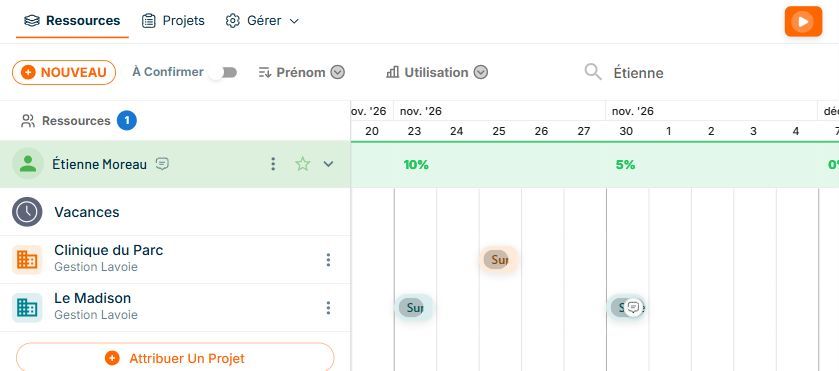
Demonstration data. The turquoise visits are scheduled for November 23 and 30 at "The Madison". The orange visit on November 25 concerns the other project. All three presences of the same manager are visible together.
To organize a start-up with the team, you need to know their first day on site. To review a completed stage, you need to agree on when the work will be ready for review. The choice depends on the reason for your visit.
The Projects view of our planner presents the manager's periods alongside those of the workers assigned to the site. At Madison, Étienne's two visits are scheduled for the first day of each of the team's interventions. The calendar allows you to see this organization together, rather than consulting their schedules separately.
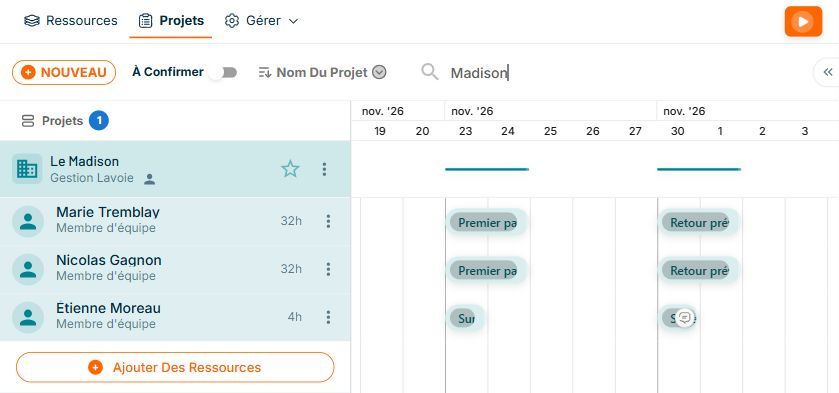
Demonstration data. The two workers each have two periods of two days on this site. The "Étienne Moreau" line shows shorter visits on November 23 and 30, for a total of four hours planned.
You can then agree with the team on a day suited to the planned work and prepare the trip accordingly. This decision completes the allocation of employees across multiple sites: the workers have their assignment, and the manager's presence is scheduled when it will be useful.
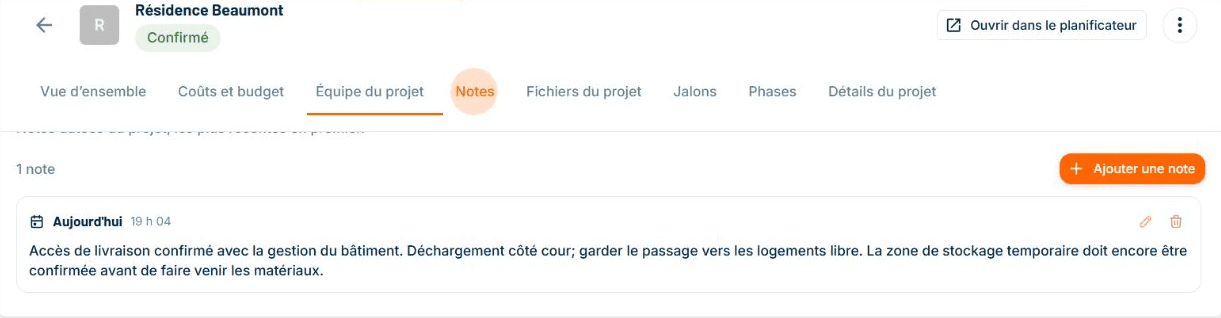
The chosen day alone does not indicate what needs to be discussed. A note can be added to a visit already recorded in the ConstruMD planner to keep track of the points to address with the team or the client. You find these details with the concerned visit when preparing your presence on site.
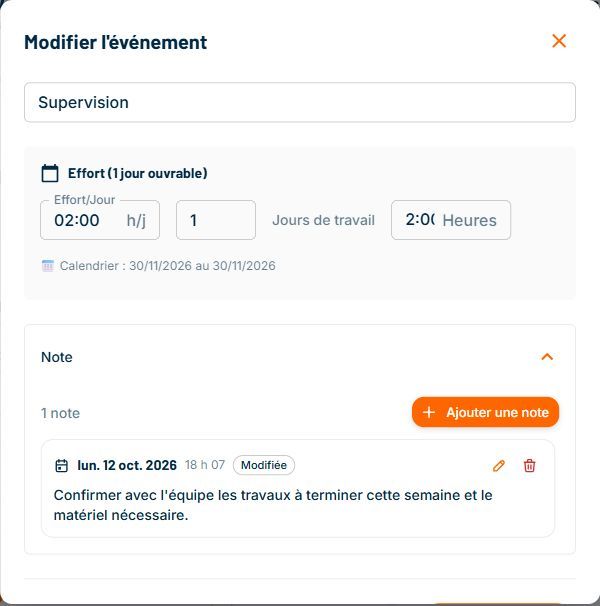
Demonstration data. The visit on November 30 plans for two hours in one day. The note keeps track of the points to discuss with the team.
Before communicating the week's schedule, confirm the visits with the concerned parties. Specify why you are coming and what needs to be ready, then organize your trips considering the other planned visits.
Your supervision time thus becomes part of the site preparation. You can announce your visits with a reserved day and points to discuss, rather than having to find a spot with each call.
Try the ConstruMD planner for free for seven days and add your upcoming visits to your teams' schedule.
You might like
ConstruMD
Nov 5, 2026
ConstruMD
Nov 5, 2026

ConstruMD
Nov 5, 2026